 Zevy · for Zepp OS watches ↗
Your Hevy workouts, on your wrist.
Zevy brings your Hevy routines to Amazfit watches. Start a workout, log every set, and it lands in Hevy — with heart rate and calories.
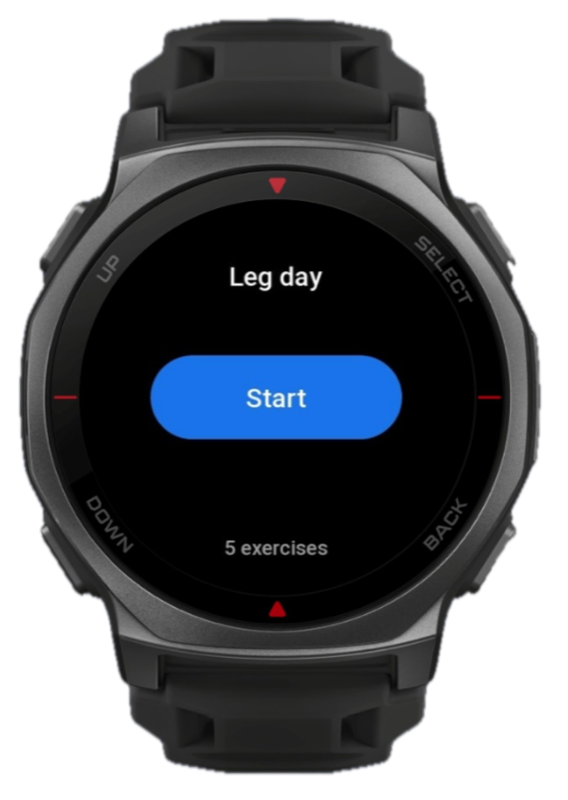
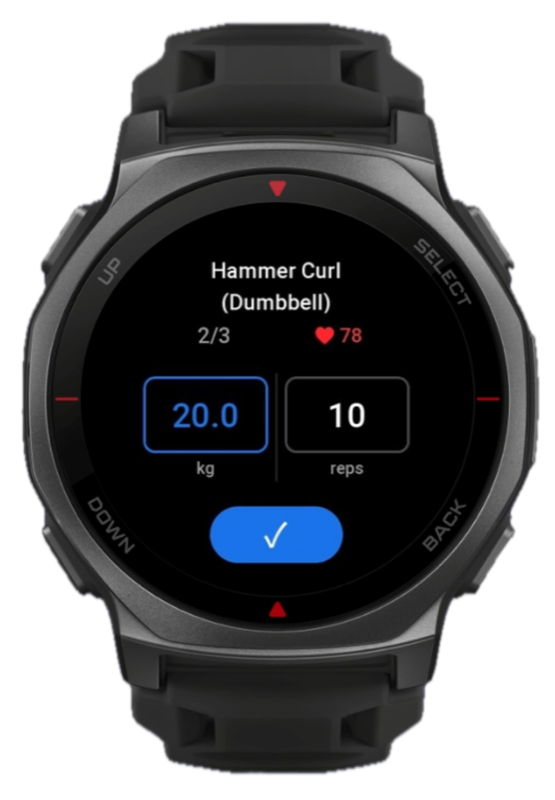
Leave the phone in the pocket.
Everything you need between sets, made for a small screen and sweaty fingers.
Your routines
Synced from Hevy, in your folders and your order.
Fast set logging
Weight and reps from last time are already filled in. Adjust, tap, done.
Rest timer
Starts after each set and buzzes when it's time to go again.
Heart rate & calories
Live on the watch, and saved with the workout in Hevy.
Timed exercises
Planks and holds get a countdown, with overtime if you keep going.
Straight into Hevy
In your feed, linked to the routine — and on to Strava if you like.
Three steps, once.
Install Zevy
Open the Zepp app on your phone, go to the App Store and search for Zevy.
Connect Hevy
Free: log in once with Zevy Companion and paste the login into Zevy's settings. Hevy Pro users can paste an API key instead.
Train
Open Zevy on the watch, pick a routine, press Start. The workout goes to Hevy when you finish.
Zevy Companion
A tiny Android app that logs in to your Hevy account and copies the login for Zevy. It forgets it straight after — you can uninstall it once you're set up.
On an iPhone? Ask a friend with an Android phone — you only need it for a minute, once.

